Accidents happen, and often, they result in broken phones or damaged screens. If you’ve ever faced a situation where your phone is damaged, and you’ve lost important data, you’re not alone. Data recovery from a mobile device with a broken screen is entirely possible, depending on the situation. This article will guide you through various scenarios where you can recover lost data and provide tips on how to do it effectively.
Common Causes of Mobile Data Loss
Several situations can lead to data loss on your mobile device. Some of the most common causes include:
- Broken Screen: When the screen is damaged, it can become difficult or impossible to interact with the device, which may prevent you from accessing your data.
- Accidental Deletion: Sometimes, data is accidentally deleted, whether it’s photos, messages, or contacts.
- Password Issues: If you’ve forgotten the password to your mobile device, it can become locked, preventing you from accessing your data.
- System Crashes or Malfunctions: Operating system failures or corrupt files can lead to data loss.
Regardless of the cause, there are several solutions to help you recover your lost data.
Can Data Be Recovered from a Mobile with a Broken Screen?
Yes, data recovery from a mobile with a broken screen is often possible. While you may not be able to interact with the device directly, there are alternative methods to access your data. It’s important to understand that data, especially files saved on your phone’s internal memory or external microSD card, doesn’t disappear immediately after deletion. It remains in a recoverable state until overwritten by new data.
Here are a few methods you can try to recover your data:
1. Use Backup Services
If you’ve been using cloud services like Google Drive, iCloud, or any other backup service, chances are your photos, videos, contacts, and other important data may have been backed up automatically. To recover your data, simply log into your cloud account from another device and restore the files.
- For Android Devices: You can recover data using Google Backup and sync.
- For Apple Devices: iCloud or iTunes backups can help restore data on a new or repaired device.
2. Connect Your Device to a Computer
If your phone is still operational but the screen is damaged, you can connect it to a computer via USB and attempt to access the data directly. Many smartphones allow you to transfer files even without using the touchscreen, especially if USB debugging mode is enabled.
- Android Devices: You can connect your phone to your PC and transfer files using File Explorer.
- iPhone Devices: You can use iTunes to back up your data or access photos via Windows Explorer.
3. Use Data Recovery Software
There are many data recovery tools available for both Android and iOS devices. These tools scan your mobile’s internal memory or SD card to recover deleted files. Some of the most popular tools include:
- Dr. Fone: A recovery tool for both Android and iOS devices that can recover lost files from your mobile.
- EaseUS MobiSaver: A simple and effective tool for recovering data from Android phones and iPhones.
- DiskDigger: A free Android app that can recover lost photos and videos from your mobile’s internal storage or SD card.
4. Professional Data Recovery Services
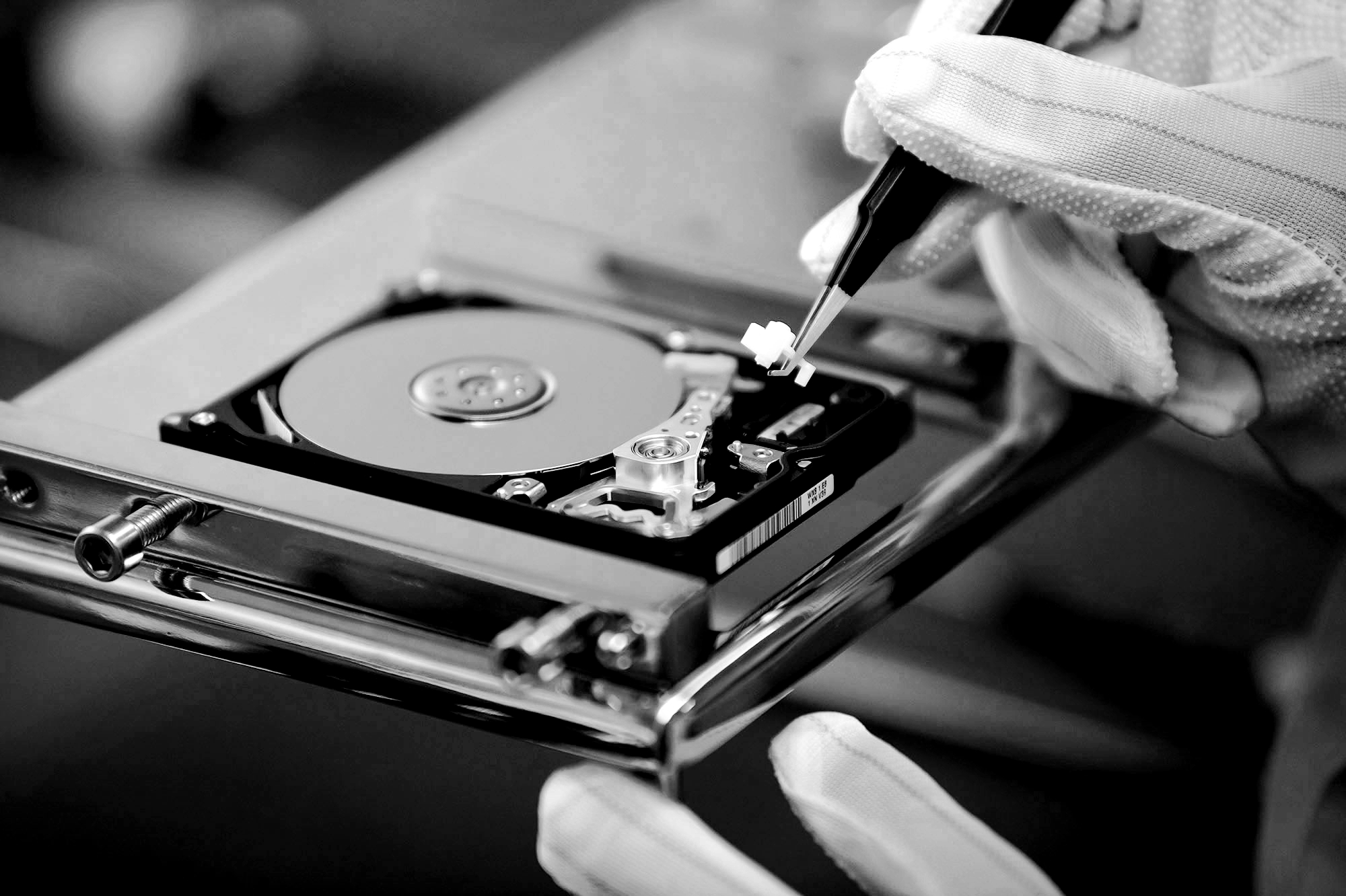
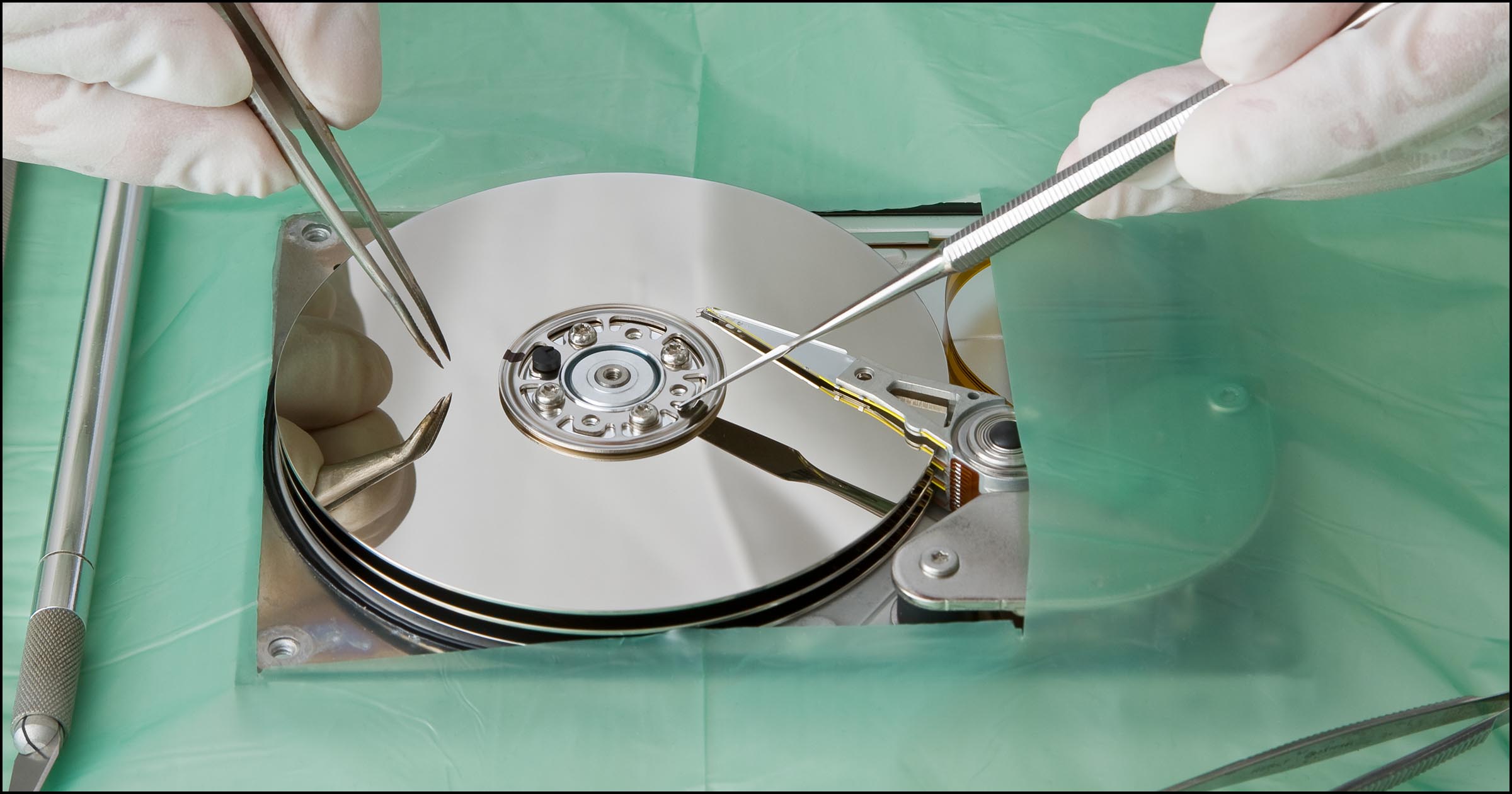
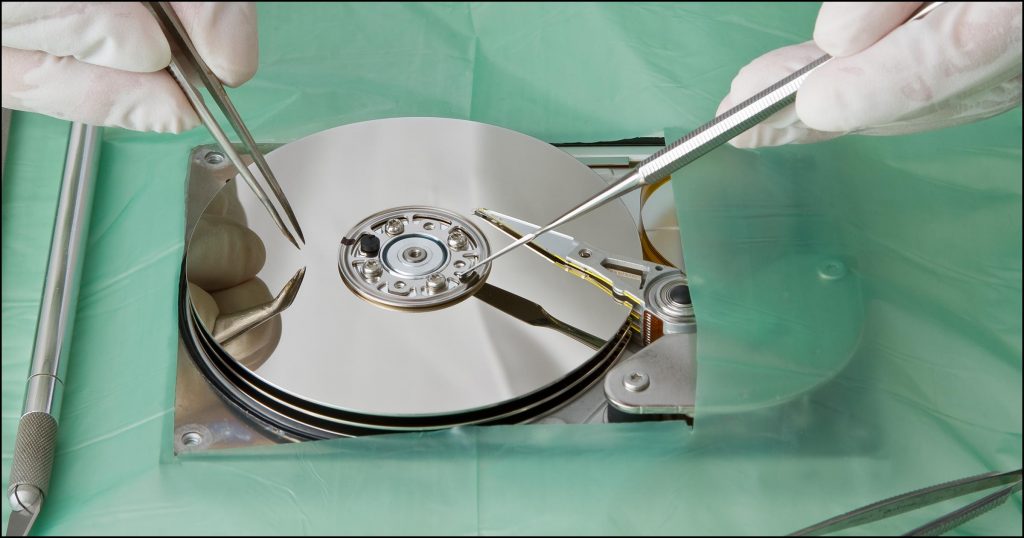
If the above methods don’t work, or if your device is severely damaged, consider reaching out to a professional data recovery service. Experts in mobile forensics and data recovery can often retrieve data from broken, water-damaged, or even completely non-functional phones.
When to Seek Professional Help
Professional help may be necessary in the following cases:
- The phone is not turning on at all.
- The data recovery software fails to retrieve important files.
- Your phone is physically damaged (e.g., water damage or cracked motherboard).
- You have no experience with mobile data recovery and don’t want to risk further damaging your device.
Steps You Can Take to Maximize Data Recovery Chances
While it’s not always possible to recover every file, there are steps you can take to improve the likelihood of successful data recovery:
- Avoid Using the Device: If the phone is still operational but the screen is broken, avoid using it until you’ve tried the recovery methods mentioned. Continued use could overwrite the lost data, making it harder to recover.
- Back Up Data Regularly: To prevent future data loss, make a habit of backing up your data regularly. Enable automatic backups on your phone through cloud services to safeguard your important files.
- Consult Experts: If you’re unsure about the recovery process or if the damage is significant, consulting a professional is the safest option.
Conclusion
Losing data from a mobile device with a broken screen can be stressful, but it’s important to know that recovery is often possible. Whether the data was accidentally deleted, your phone suffered physical damage, or you’ve forgotten your password, several solutions can help you retrieve your files.
Before attempting any recovery process, check if your data is backed up to the cloud. If not, consider using data recovery software or seeking professional help to maximize your chances of success. The sooner you act, the better the chances of restoring your valuable data.
See More : https://zamecnik.org/technology/the-best-raleigh-data-recovery-services-and-its-data-centers/